Red Hair Filter
Upload a selfie, preview a realistic red shade before you dye, and save a salon-ready reference in seconds.
Red Hair Filter Showcase
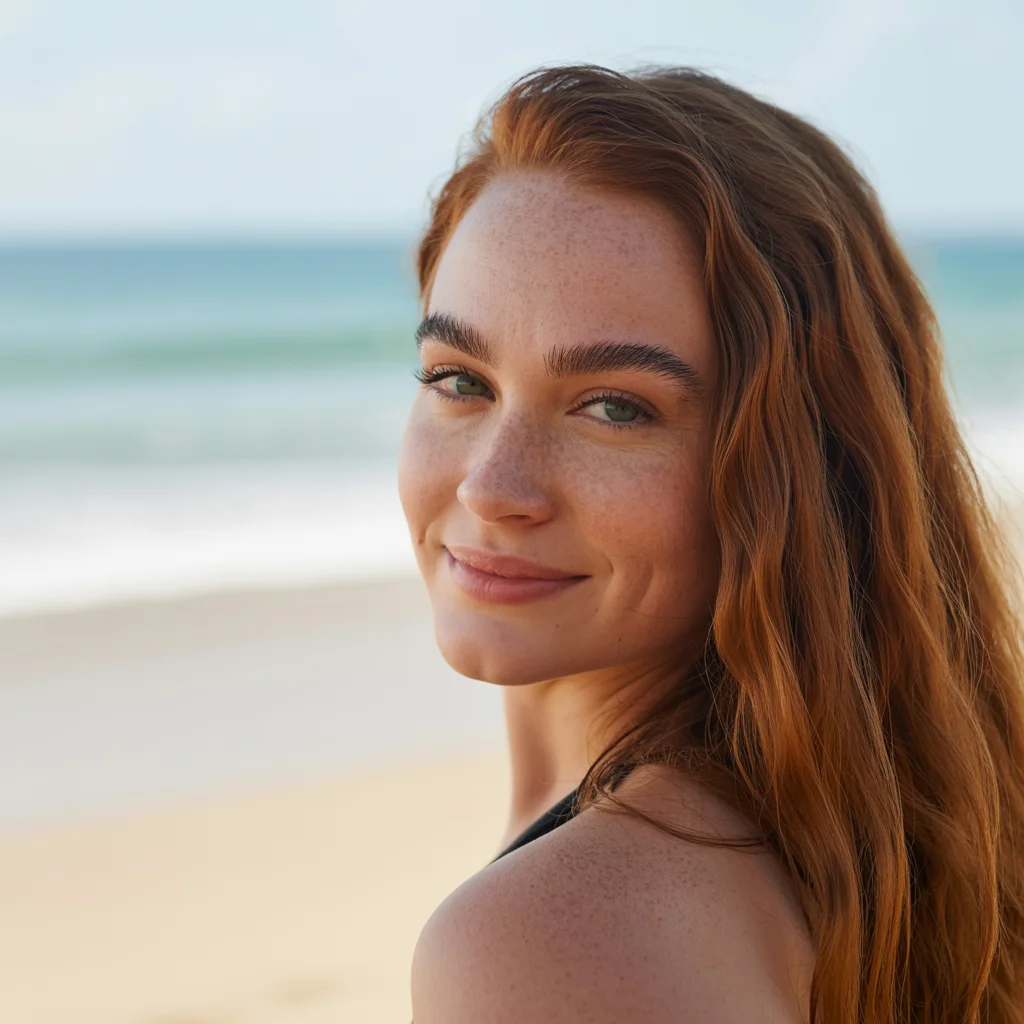
Explore different ways red can read in real photos, from polished salon red to richer editorial-inspired looks.





How Our Red Hair Filter Works
Red Hair Transformation in Three Simple Steps
Our red hair preview workflow is designed to help you make a better color decision quickly, using a photo you already have.
Why Choose Our Red Hair Filter?
Built for people choosing a real red hair color, with practical previews that help before salon visits, dye purchases, and style changes.
Try Red Before You Commit
Preview a vivid red look on your own photo first, so you can judge whether the color feels exciting, flattering, and wearable before you dye.
Tone That Respects Your Features
The preview keeps your facial features, shadows, and hairline intact so the red feels like your look, not a flat color overlay.
Selfie-Friendly Workflow
Upload one clear photo and get a practical preview fast, without downloading an app or guessing from inspiration photos alone.
Keeps Depth, Shine, and Texture
Good red hair previews need more than color. Our output aims to preserve depth, shine, and visible texture so the result feels believable.
Useful for Salon Decisions
Download the result and use it as a conversation starter with your stylist when you want to explain brightness, warmth, or overall red direction.
Fast Enough to Compare Options
Test your red idea in seconds, decide whether it suits you, and move on with more confidence instead of second-guessing the color later.
Red Hair Filter Reviews
What users say about our red hair filter
Red Hair Filter FAQ
Frequently Asked Questions About Our Technology
How does the red hair filter work?
Upload your photo, choose the red preview, and our AI applies the color to your existing hair while keeping the shape of your hairstyle, facial features, and lighting context intact.
What kind of red look does this page help me preview?
This page is built around a vivid, modern red direction. It is especially useful when you want to judge whether a stronger red family suits you before deciding on a softer copper, deeper ruby, or salon-customized variation.
Will the preview still help if I have dark hair now?
Yes, the preview is useful for understanding whether red feels right on your face and overall look, even if your current hair is dark. It gives you a practical reference for brightness, contrast, and tone direction.
Can I show these results to my hairstylist?
Absolutely. A saved preview can help you explain the kind of red you want, whether that means brighter, deeper, warmer, or more polished. It is a much clearer starting point than trying to describe the look verbally.
Can I try the red hair filter before paying?
New users get starter credits after signing in, so you can preview a red hair look before choosing a paid plan. If you want more generations and ongoing access, you can continue with one of our paid plans.
How long does processing take?
Most previews are generated in around 20 to 30 seconds, so you can test the idea quickly instead of waiting on a lengthy editing workflow.
What photo works best with the red hair filter?
Use a clear photo with visible hair, a clean view of your face, and lighting that is not too harsh or too dark. Avoid hats, heavy filters, and photos where large parts of the hair are hidden.
Can I use this preview to compare different red directions?
Yes. Start with the red preview here, then compare the result against the gallery examples and your own saved image to decide whether you want a brighter, deeper, or softer red in real life.
Try Red Hair Before You Dye It
Upload your photo, preview a realistic red look, and walk away with a salon-ready reference you can save, share, or act on with confidence.